
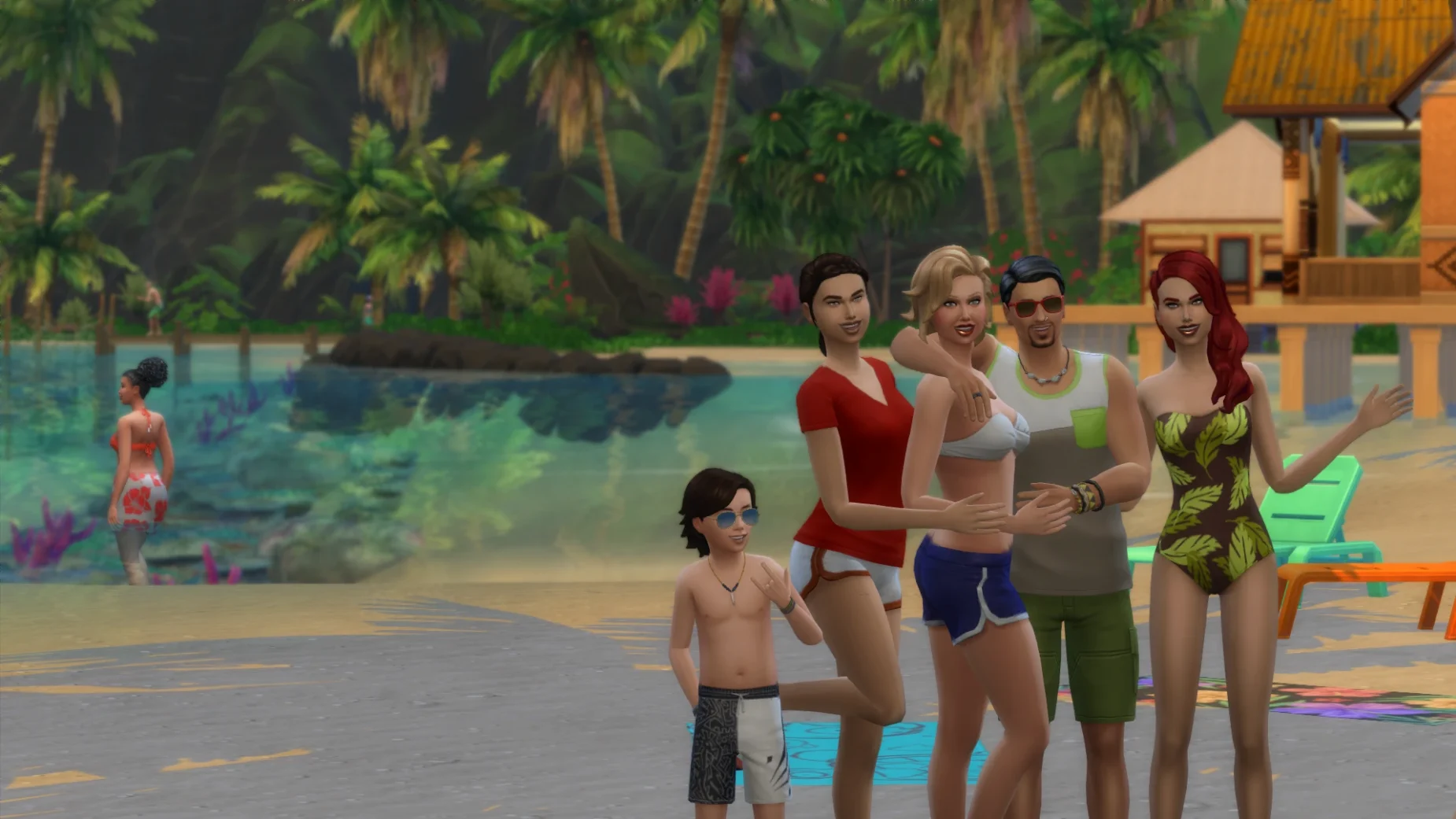
Up to 12 players
Invite your whole friend group into the same household. Everyone keeps their own camera, controls and game state.

Sims 4 Multiplayer Mod
S4MP is a mod for The Sims 4 that allows you to play the game with up to 12 friends in real-time multiplayer!
Community gameplay
Watch real gameplay and see how friends build, play and share a household together.
Discover more
With the Sims 4 Multiplayer mod, you can play The Sims 4 in real-time over the network and “live together” with other players in the same household. See what the others are doing, interact with them, and have fun together!
Features
A small, lightweight mod that turns your single-player world into a shared one — without touching your saves.
Invite your whole friend group into the same household. Everyone keeps their own camera, controls and game state.
No archive to unpack, no files to drag around: S4MP.exe installs the mod and its launcher in one go, then keeps your Mods folder tidy.
Sims, objects, moods, careers and relationships update live for everyone connected to the host.
Windows and macOS players can share the same session, as long as everyone runs the same S4MP version.
Type chat in the console to talk with the household, and share an invite code to fill all 12 slots.
The public build is completely free. Optional early-access builds support ongoing development.
How it works
One .exe, three steps. No archive to unpack and no files to copy by hand — S4MP.exe sets up the mod and its launcher for you.
Press any download button on this page — it opens our Dropbox folder. Save S4MP.exe to your computer.
Double-click S4MP.exe and follow the installer. If Windows shows “Windows protected your PC”, choose More info → Run anyway. The mod ends up in Documents / Electronic Arts / The Sims 4 / Mods.
Start The Sims 4 through the S4MP launcher, host a session and share the invite code with up to 11 friends.
FAQ
Everything about installing, hosting and troubleshooting S4MP.
S4MP is completely free to play on the public version via LAN. There is also an early access build with online play and newer features that eventually roll out to everyone.
Yes. S4MP ships as a single Windows executable — S4MP.exe. You do not need to unzip anything or copy folders into your Mods directory by hand: the installer puts the mod where The Sims 4 expects it.
That is SmartScreen reacting to an app without a commercial code-signing certificate, which is normal for community mods. When S4MP.exe comes from the Dropbox link on this page, click More info and then Run anyway. Never run a renamed copy from a random mirror or Discord upload.
Yes. Crossplay is supported between PC, Mac and any game launcher, as long as every player runs the same game version.
Not yet — due to The Sims 4 limitations, everyone plays in the same household and travels together. Sims left at home stay at home.
To experience a pack's content, yes. Everyone should have the exact same custom content and mods installed, and packs can be toggled in the S4MP launcher settings so every player loads the same set.
Yes, as long as all players have the same versions. Keep in mind that some scripted mods are not compatible and can stop other players from interacting with objects or Sims.
Online servers are discontinued for older builds. Make sure everyone is on the latest release and that the host can reach the network.
This is usually caused by S4MP being blocked by your firewall, a VPN not connecting properly, or incompatible / missing mods on someone's end. Allow S4MP through your firewall on all machines.
Only the host should save, then everyone can exit. Use “Save As…” instead of quick save to avoid occasional black screens while travelling.
Press Ctrl + Shift + C to open the console and type chat. Your own message is not shown to you, but everyone else receives it.
Right here — every download button on this page opens our public Dropbox folder, where you can save S4MP.exe (the latest build). No CurseForge, no extra steps.
Ready when you are
Download S4MP.exe, run the installer and host your first session in minutes — no account, no archive to unpack.
You will be redirected to our Dropbox folder — no sign-up required.
Latest updates
Public release with further fixes for the Royalty & Legacy expansion pack and launcher support for the latest kits.
Public releaseEarly access build adding undo/redo for wall editing, auto-load fixes and support for the newest kits.
Early accessThe first native binary mod for The Sims 4 — wall drawing in multiplayer arrives in the early access branch.
Early access